Electronic invoice for foreign
The function Finance > Declarations > Electronic invoice for foreign generates XML files related to purchase and sales documents to be sent (as an alternative to sending via the same format provided for electronic invoices with residents in Italy) to the Revenue Agency, in replacement of the compliance with the spesometro (which factually has been abolished or is now commonly referred to as "esterometro" to distinguish what remains).
Accessing the function displays a form divided into an upper header section, where a series of filters can be set for viewing and managing the XML files to be sent:
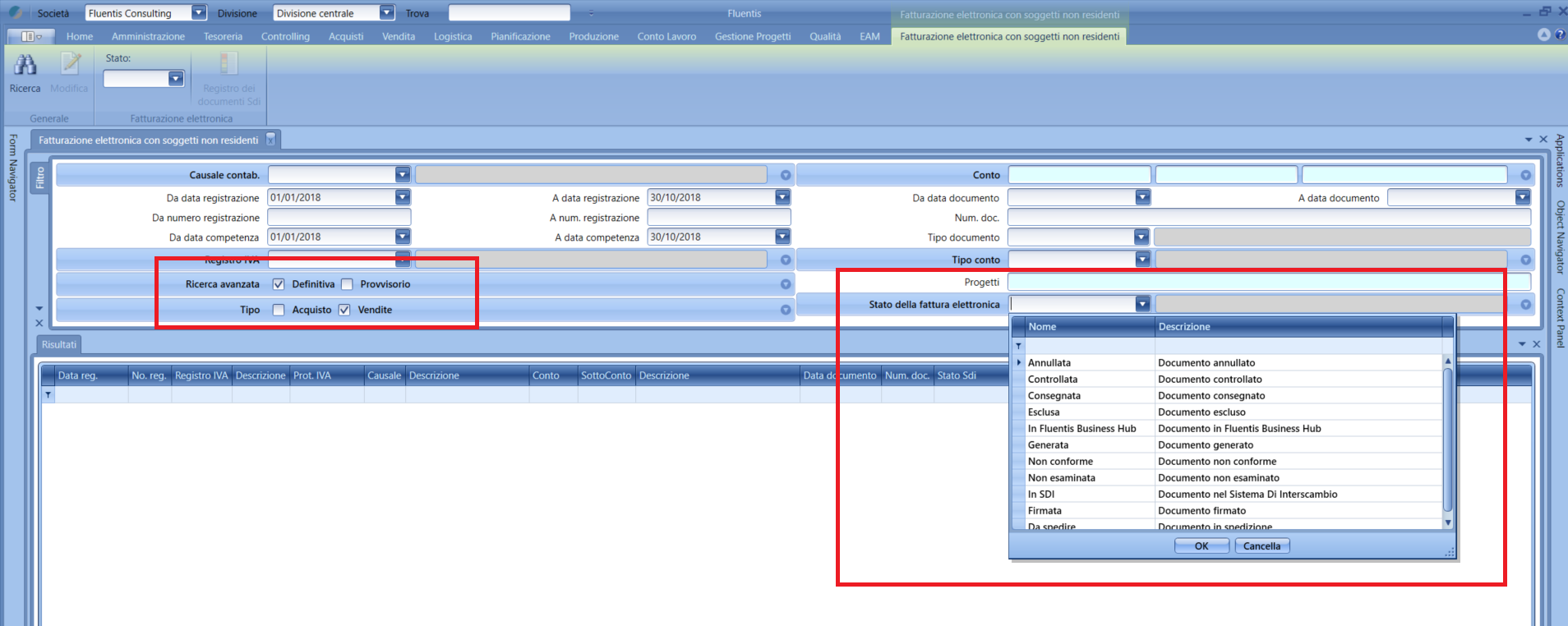
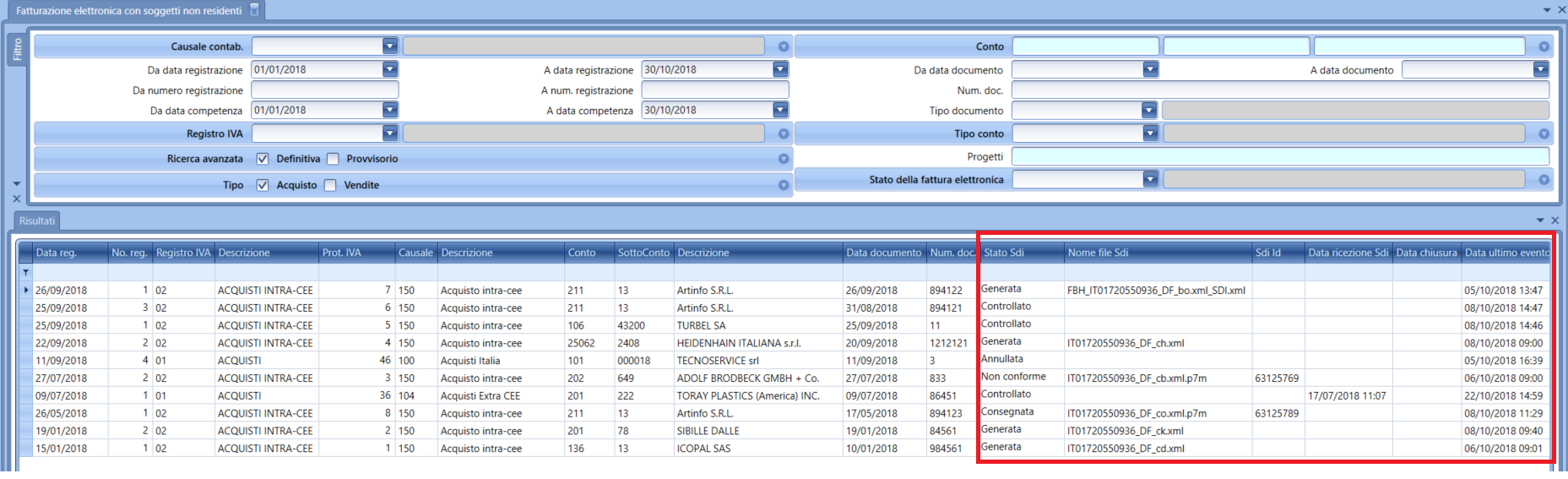
-
ES status: contains the description of the document's status, reporting both Fluentis's internal management status and the status reported by Fluentis Business Hub and acquired directly from ES.
-
ES file name: the name of the file created when the document is advanced to the GENERATED status; in its original format or after the digital signature has been applied, it represents the invoice file to be sent to ES ( ).
-
ES Id: the unique identifier that ES assigns to the document at the time of receipt.
-
ES receive date: the date the interchange system received the document sent to it. This information is obtained from the receipt notification that ES issues upon receiving the shipment and before proceeding with the formal checks of the file.
-
Closing date: the date of closure of the management flow (e.g., delivered document).
Last event date: the date of the last status change that occurred on the file, either manually or as a result of the processing advancement on ES.
In the ribbon Menu, in the section dedicated to electronic invoicing, using the ES Document Register  function, it is possible to view the actions performed on the selected document, with the Print
  function to print the associated XML document, and with the Download Attachment or Download the Content of the Register
  functions to download the XML file.
By double-clicking on a row in the results grid, you access the details of the selected accounting registration. Even in the accounting registration, it is possible to view and change the processing status of the file regarding sending to ES (use the combo box dedicated to changing statuses specific to electronic invoicing located in the ribbon bar).
The search executable from this form extracts all accounted invoices linked to ledger records having movement types (for VAT purposes) for intra-EU sales VAT or extra-EU sales VAT, or those that have populated the "Partner Account" field in the Parameters panel:

The documents searched are only those NOT already sent via the electronic invoicing flow with non-resident subjects according to the format used for Italian ones.
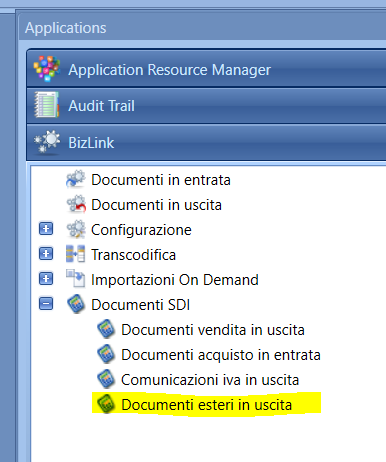
If the Fluentis Business Hub service is not configured in the system, it will be possible to access the function and download the generated XML file to be used externally to Fluentis.
The XML file created during the operator's management of statuses must be signed; therefore, if the Fluentis Business Hub service is active, a copy of the file will be created in the folder indicated in the settings, where a temporary folder needs to be specified to deposit the XML files to be signed and subsequently retrieve the signed files:

At the end of the sending to ES, the file can assume two statuses:
- Non-Compliant: The file contains alerts for which it cannot be accepted by ES. In these cases, it is necessary to access the in the ES Document Register panel to view the reason for non-compliance, correct any anomaly, and resend the regenerated file.
Delivered: The file has been correctly sent and acquired by ES. In this case, it will be possible to view the delivery outcome by accessing the ES Document Register panel of the function for the selected file.